Configurations
This guide explores working with configurations. Configurations are reusable collections of application settings or service bindings that can be attached to applications. For more information see the configurations reference page.
View Configurations
- UI
- CLI
To view all available configurations, navigate to the Configurations page under the Advanced section of the side navigation menu.
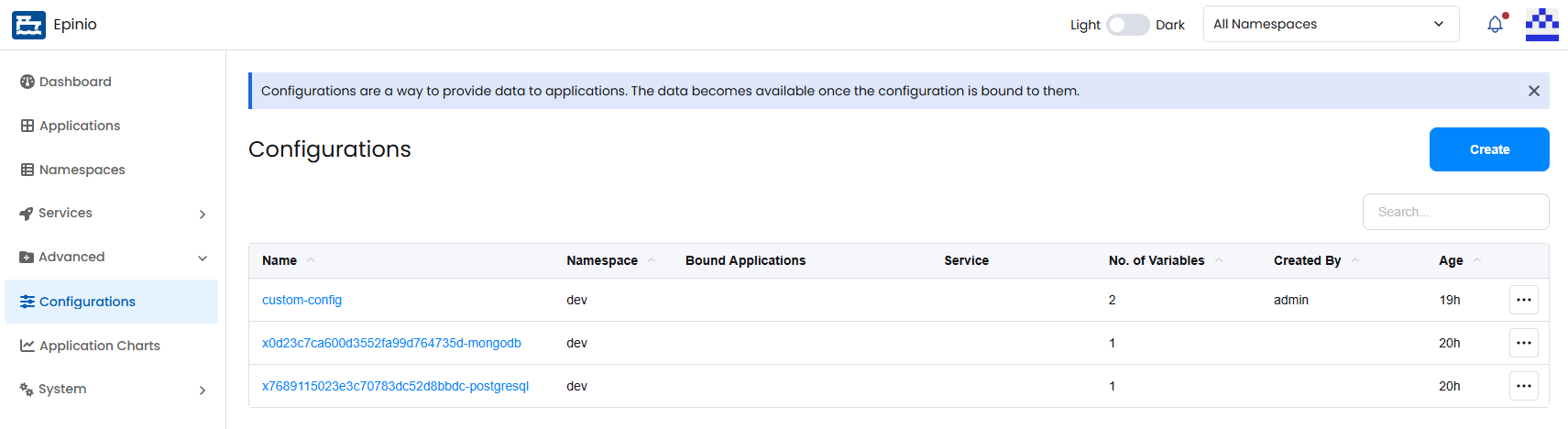
List all configurations:
epinio configuration list
Create a Configuration
- UI
- CLI
Click Create on the Configurations page to open the creation modal.
Select the namespace that the configuration belongs to. If the configuration should be bound to an existing application, this can be done during creation. Configurations can also be bound or unbound later by editing either the configuration or the application.
Add the configuration data as key-value pairs.
To assist with configuration creation, Epinio provides file upload options:
- Read From File reads key-value pairs from a text file in the format:
name1=val1
name2=val2
name3=val3
- Upload can be used for larger structured values such as JSON or YAML files.
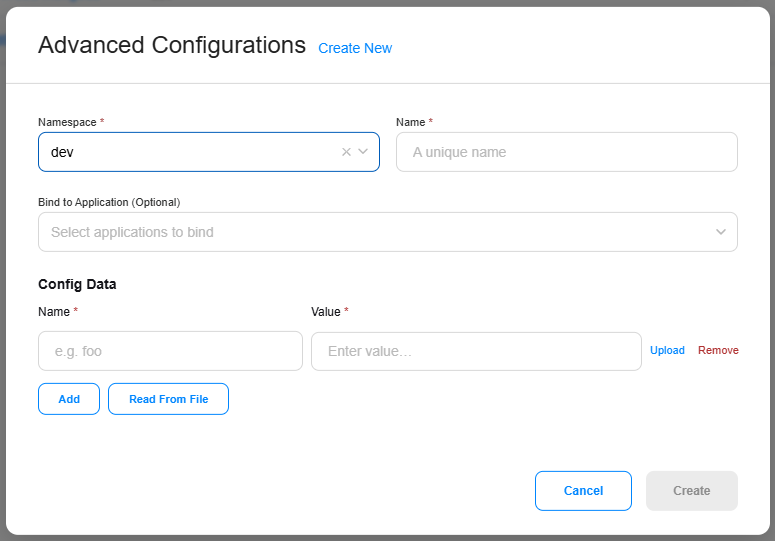
Create a configuration:
epinio configuration create myconfig
Edit a Configuration
- UI
- CLI
To edit a configuration, open the action menu and select Edit. From here you can update configuration values and bind or unbind applications.
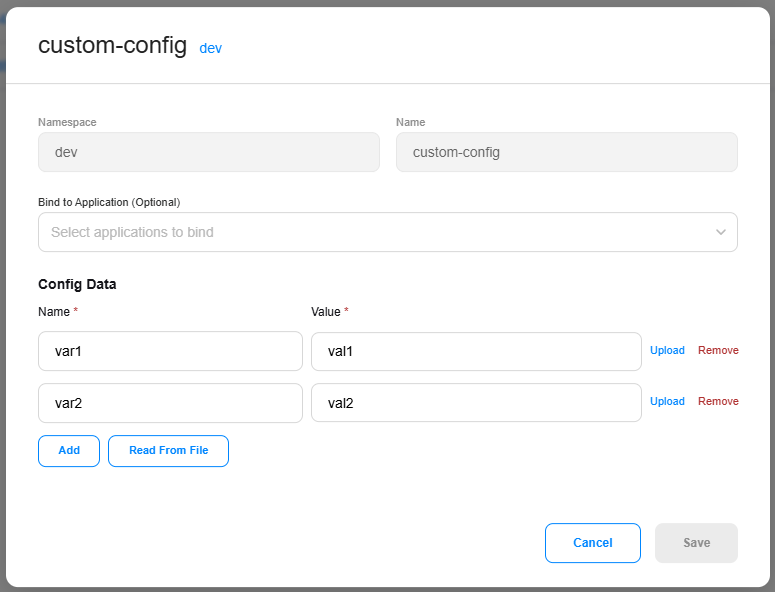
Update a configuration:
epinio configuration update myconfig
Bind a configuration to an application:
epinio configuration bind myconfig myapp
Unbind a configuration from an app:
epinio configuration unbind myconfig myapp
Delete a Configuration
- UI
- CLI
To delete a configuration, open the action menu and select Delete. If the configuration is currently bound to one or more applications, it will be unbound before deletion.
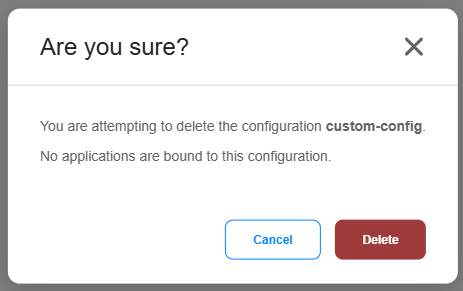
Delete a configuration:
epinio configuration delete myconfig
Additional CLI Commands
For additional documentation on the CLI commands above, along with additional commands, see the epinio configuration CLI reference.