Service Catalog
This guide explores working with the service catalog. Epinio provides a catalog of templates that are used to create service instances. For more information see the service catalog reference page.
View Service Catalog
- UI
- CLI
To view the service catalog, navigate to the Catalog page under the Services section of the side navigation menu.
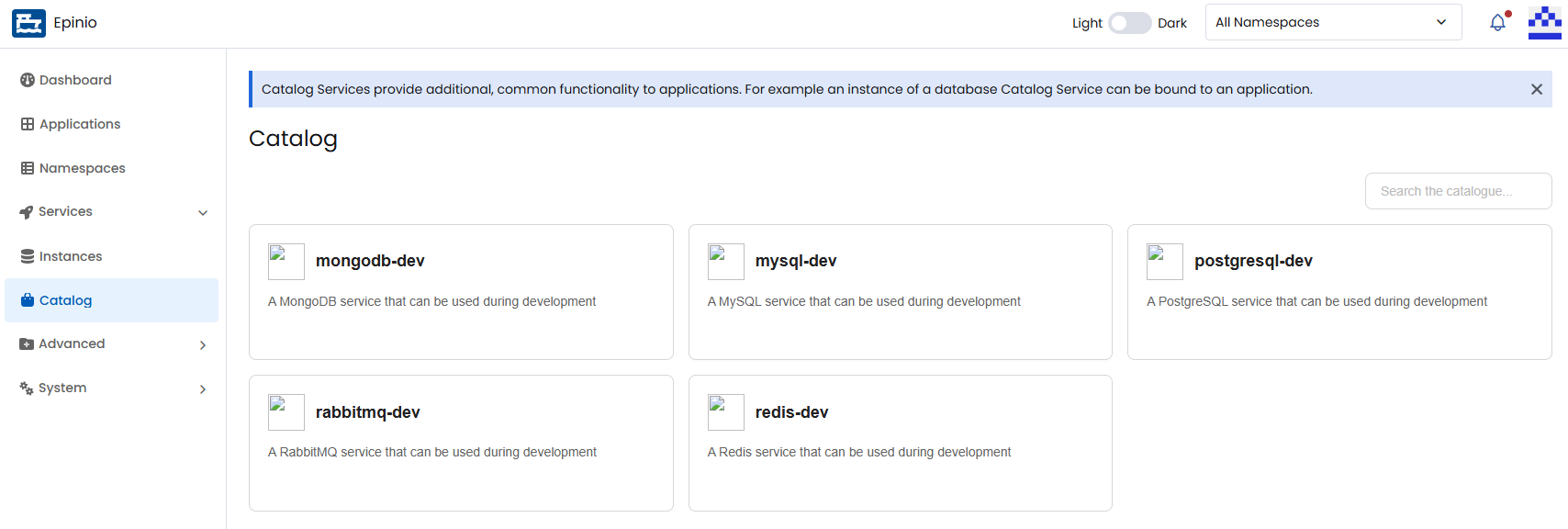
List all available catalog services:
epinio service catalog
View Catalog Service Details
- UI
- CLI
Click on a service catalog card to open its details page. Here you can view all instances created from that service, create new instances, and edit or delete existing ones. See the services how-to for more information.
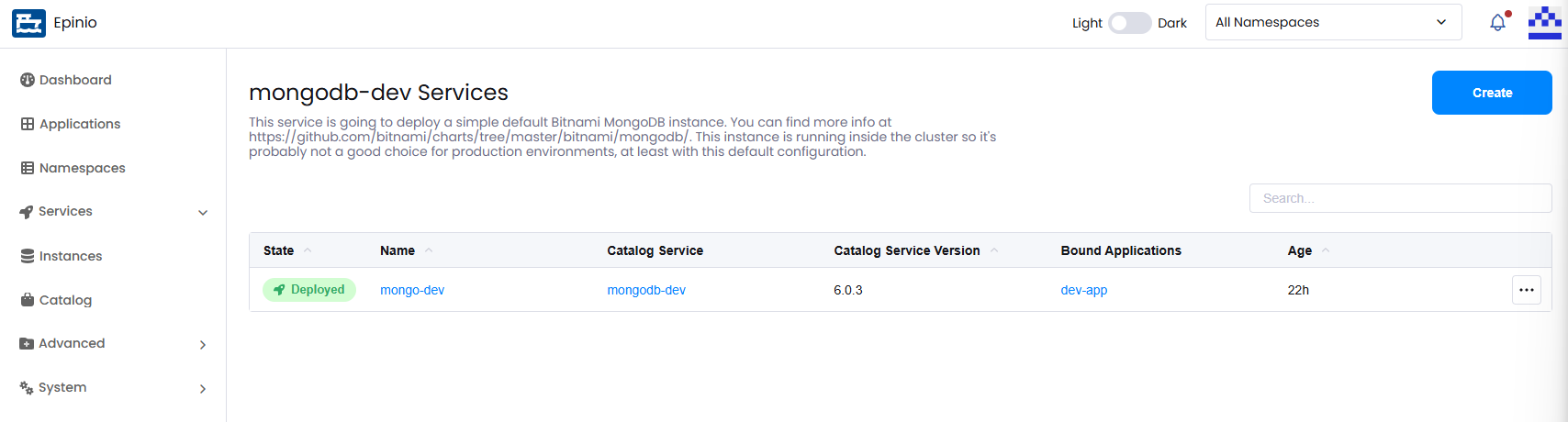
Show details for a specific catalog service:
epinio service catalog myservice
Service Catalog CRUD Coming Soon!
Additional CLI Commands
For additional documentation on the CLI commands above, along with additional commands, see the epinio service catalog CLI reference.